The technical side of almyty
Everything on this page is optional. Your support or sales team never needs it. If you are the developer who connects the first system, or you want your own AI tools to use your company's systems, start here.
Building blocks
What you work with
Connect any API
OpenAPI, GraphQL, SOAP/WSDL, gRPC, or an npm package. Every operation becomes a typed action (a "tool" in the app). Write your own in HTTP or sandboxed JavaScript when you need to.
Share actions with AI tools
Group actions behind a gateway and serve them over MCP, UTCP or Agent Skills, with keys per client. Add them to Claude Code, Cursor or any MCP client.
Call assistants from code
Every assistant answers on an OpenAI-compatible API. Point an OpenAI library at it, change the base URL and the model name, keep the rest.
One command line tool
@almyty/cli: log in once, then run and inspect assistants, chat with them, install skills, and more. Every read command has --json.
Runners on any machine
@almyty/runner connects a laptop, VM, container or server. Assistants run commands and use local tools there, within the folders and rules you allow.
Self-host the core
The core is Apache 2.0. Run one container with Postgres and Redis, or deploy to Kubernetes. The hosted version runs the same code.
# add a gateway's actions to Claude Code
$ claude mcp add orders --transport http \
    --header "x-api-key: gw_live_..." \
https://api.almyty.com/your-org/orders$ npm i -g @almyty/cli
$ almyty login
$ almyty agents run support-assistant --watch
$ almyty chat support-assistant
$ almyty runner start --name build-box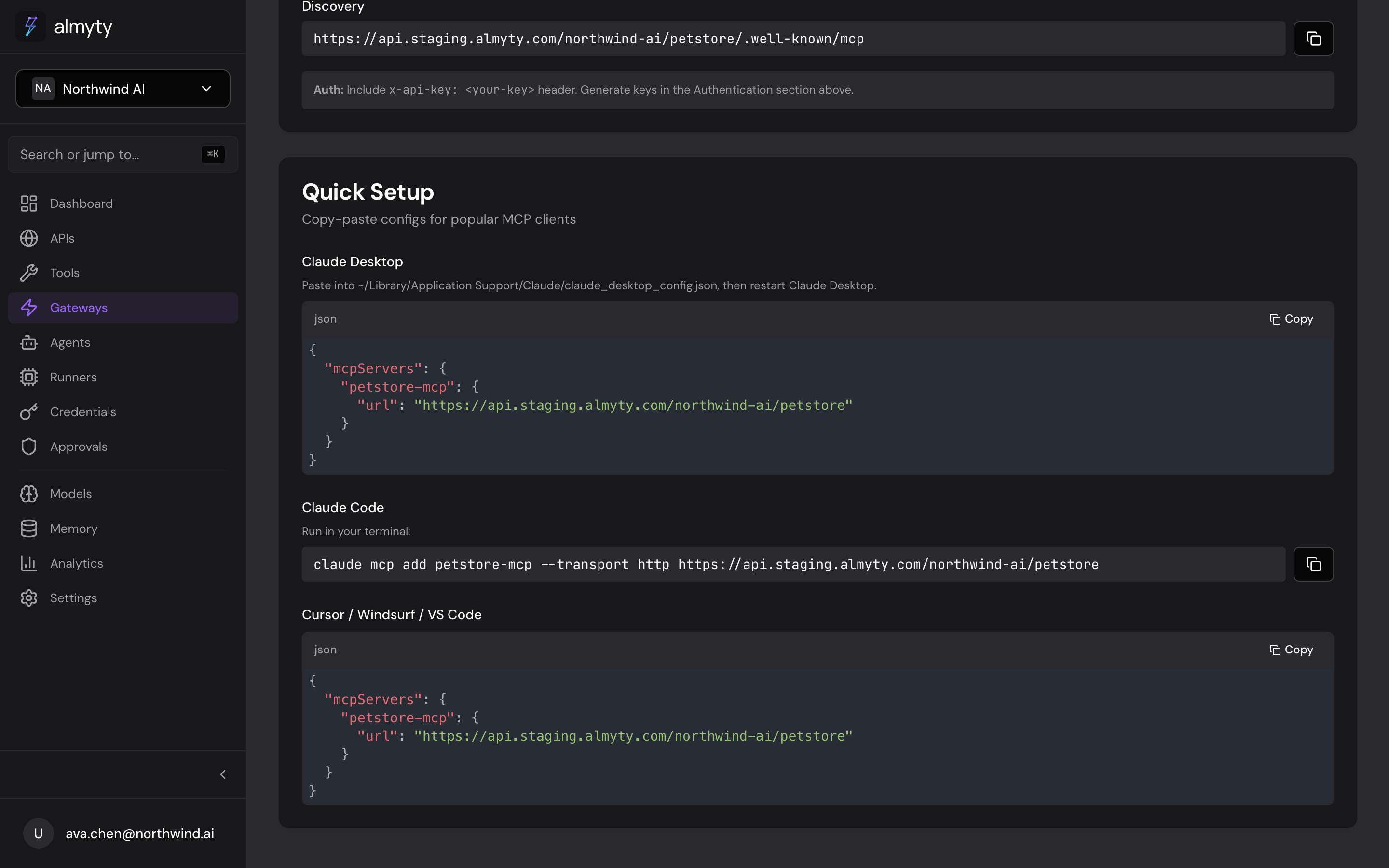
# one container for the app; Postgres and Redis alongside
$ docker compose -f docker-compose.allinone.yml up -d

# or the development stack from the repository
$ git clone https://github.com/almyty-inc/almyty
$ docker compose up --build -d
Your infrastructure, the same product
The source is public on GitHub. Images are on Docker Hub. Business and Enterprise features are licensed separately and work on your own servers too.
Connect the first system for your team
Once a system is connected, everyone else can build on it without touching code.