A morning report on all your systems
Checks your systems every night and posts a short report to your team's Slack channel, leading with what needs attention.
Who it is for
Operations teams who start the day by opening five dashboards to see if anything broke overnight.
What it does, in one story
Only the things that need you
Every day at 6:00, before anyone is in, the assistant checks your website, checkout, payments, backups and storage through your monitoring tool.
When the team logs in, the report is already in the operations channel in Slack: "4 of 5 systems healthy. Needs attention: payment webhooks had 3 failed deliveries since 02:10 (retrying), and the reporting database disk is 81% full." Everything else gets one line saying it is fine.
What the assistant does
- Runs on its own at a time you choose, for example every day at 6:00 in your time zone
- Checks every system you connect, and leads with what needs attention
- Sends the result to a Slack channel, and keeps every run with each step it took
- Can be paused with one switch, without losing the settings
What you need
- A monitoring or status tool with an API, and its description file
- An AI model connected in almyty
- A Slack channel for the report, and permission to add an app to your Slack workspace
How to set it up
- 1
Connect what you want checked
Your monitoring or status tool, and any other system the report should cover.
- 2
Build the assistant
Describe a good report: what needs attention first, then one line for the rest.
- 3
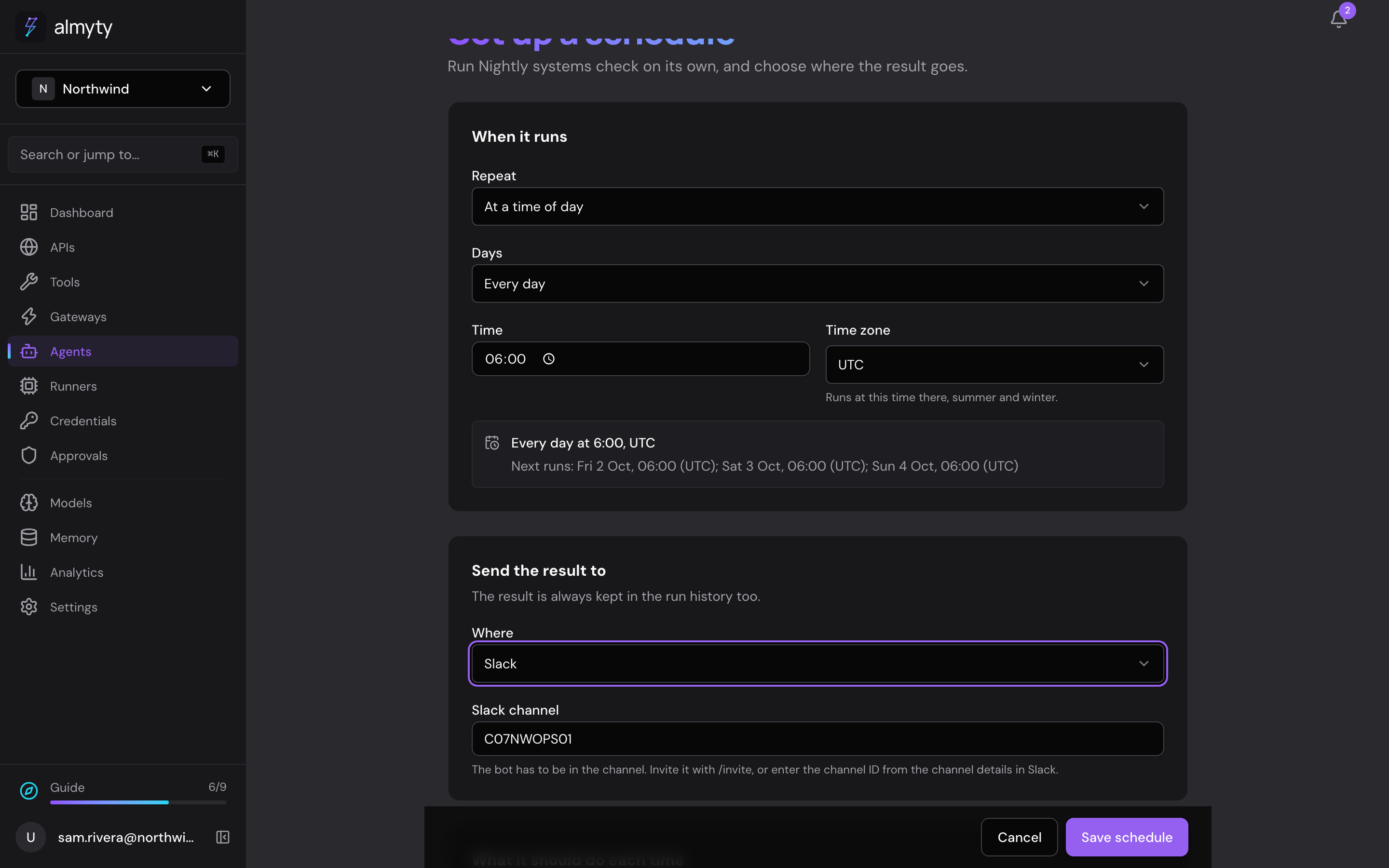
Set the schedule
Every day at 6:00, with the result sent to your Slack channel.
The full guide walks through every click, with pictures, in the docs.
More things you can do
Customer support
Answer customers, day and night
Answers questions about orders and refunds on your website, WhatsApp and email, using your own order system, and asks a person before large refunds.
See how it worksSales
Walk into every call prepared
Briefs your account managers before a call and saves their notes after it, right inside Slack.
See how it worksMarketing
A product chat for your website and campaigns
Answers visitors' product questions from your own help center, on your website, landing pages, emails and ads, with a daily spending cap.
See how it works