Give your staff answers in seconds
Answers your colleagues' everyday HR, IT and office questions in Microsoft Teams or Slack, from your own systems and documents.
Who it is for
HR, IT and office teams who answer the same internal questions over and over.
What it does, in one story
No more waiting for a reply from HR
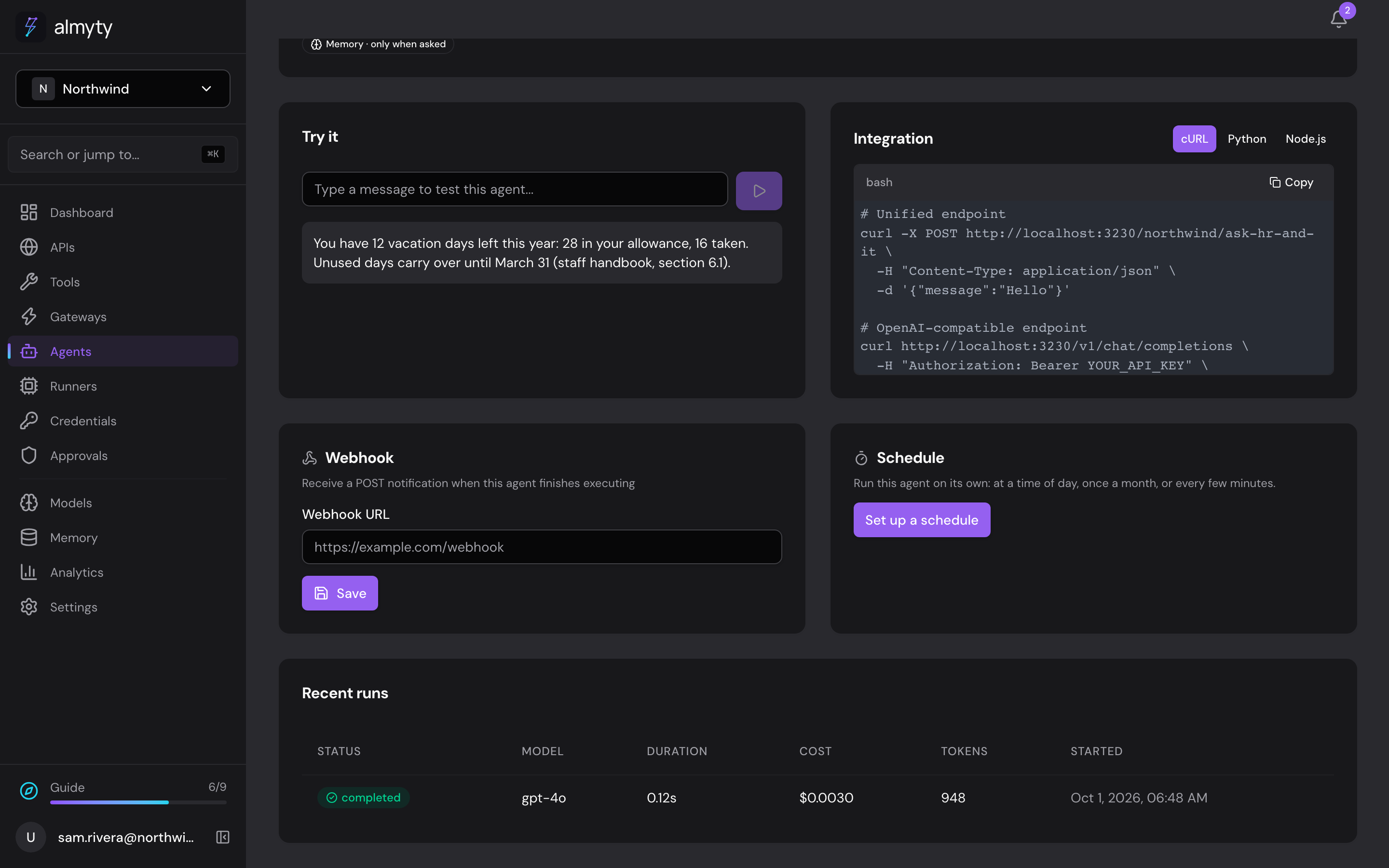
A colleague asks the help desk assistant in Teams: "How many vacation days do I have left?" It looks the balance up in your HR system and answers: 12 days left this year, and unused days carry over until March 31, with the section of the staff handbook it came from.
Then someone asks for the guest Wi-Fi. That is not in any system, but you added your office guide once, so the assistant knows. When someone needs IT to do something, it tells them how to open an IT request.
What the assistant does
- Answers from your handbook and policies, and says where each answer came from
- Looks up personal details like leave balances in your HR system
- Knows what you tell it once, like the Wi-Fi, office hours and parking
- Points people to the right next step when a person is needed
What you need
- Your intranet or HR system's API description
- Any office guide or notes you already have written down
- For Teams, a bot registration your IT team can set up; for Slack, a Slack app
How to set it up
- 1
Connect your intranet or HR system
almyty reads what it can do, like "search the handbook" or "get a leave balance".
- 2
Add your office guide
Paste it into Memory once. The assistant reads only the parts it needs.
- 3
Put it in Teams or Slack
Your colleagues ask where they already work.
The full guide walks through every click, with pictures, in the docs.
More things you can do
Customer support
Answer customers, day and night
Answers questions about orders and refunds on your website, WhatsApp and email, using your own order system, and asks a person before large refunds.
See how it worksSales
Walk into every call prepared
Briefs your account managers before a call and saves their notes after it, right inside Slack.
See how it worksMarketing
A product chat for your website and campaigns
Answers visitors' product questions from your own help center, on your website, landing pages, emails and ads, with a daily spending cap.
See how it works