Walk into every call prepared
Briefs your account managers before a call and saves their notes after it, right inside Slack.
Who it is for
Sales and account teams who lose time switching between their CRM, their inbox and their notes.
What it does, in one story
Ready for the call, with the notes already filed
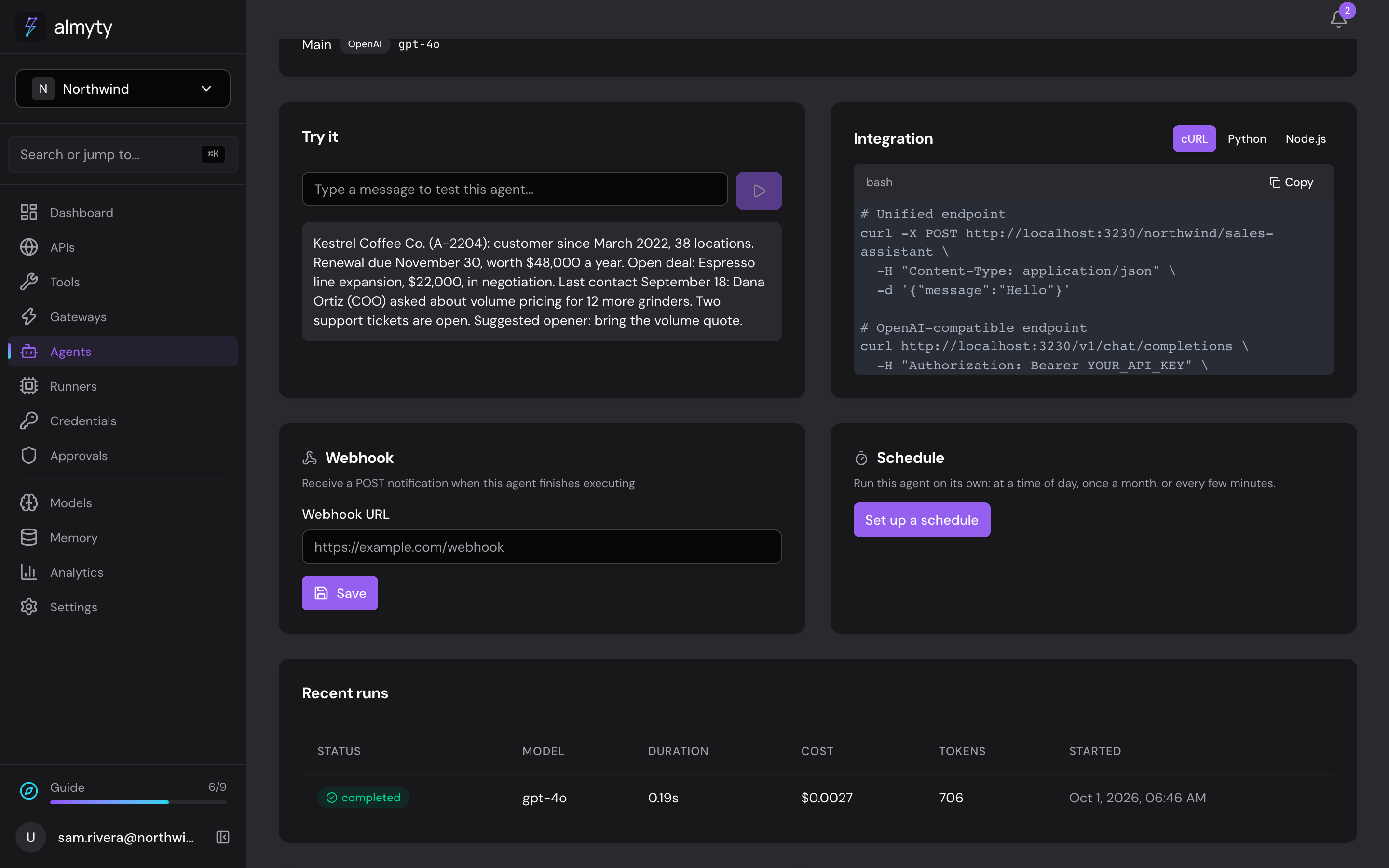
Ten minutes before a call, an account manager asks the assistant in Slack: "What should I know about Kestrel Coffee?" It looks the account up in your CRM and replies with a short brief: customer since 2022, a $48,000 renewal due on November 30, the open deal, what they asked about last time, and two open support tickets.
After the call she pastes in her notes. The assistant saves them to the account in the CRM as a meeting note, with the next steps, and confirms what it saved. Nobody had to open the CRM.
What the assistant does
- Gives a short brief on any account from your CRM
- Saves call notes and next steps back to the account
- Answers in direct messages, and when someone mentions it in a channel
- Works the same for everyone on the team, with no new app to learn
What you need
- The description of your CRM's API (most CRMs publish one; your IT team or the CRM's developer settings have it)
- An AI model connected in almyty
- A Slack workspace where you, or your Slack admin, can create an app
How to set it up
- 1
Connect your CRM
almyty reads what it can do, like "find an account" or "add a meeting note".
- 2
Build the assistant
Describe what a good brief looks like, and what to do with notes after a call.
- 3
Add it to Slack
Create a Slack app once, then install the assistant with one link.
The full guide walks through every click, with pictures, in the docs.
More things you can do
Customer support
Answer customers, day and night
Answers questions about orders and refunds on your website, WhatsApp and email, using your own order system, and asks a person before large refunds.
See how it worksMarketing
A product chat for your website and campaigns
Answers visitors' product questions from your own help center, on your website, landing pages, emails and ads, with a daily spending cap.
See how it worksOperations
A morning report on all your systems
Checks your systems every night and posts a short report to your team's Slack channel, leading with what needs attention.
See how it works